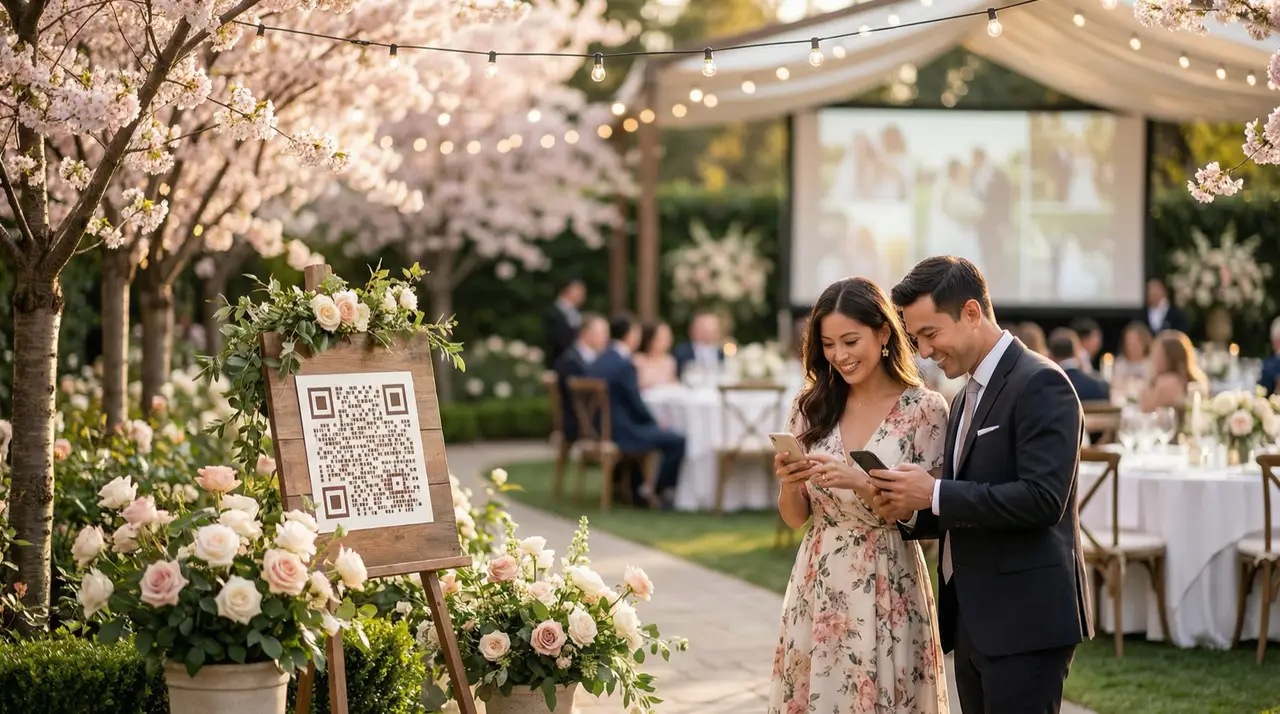
Your wedding, through every guest’s eyes.
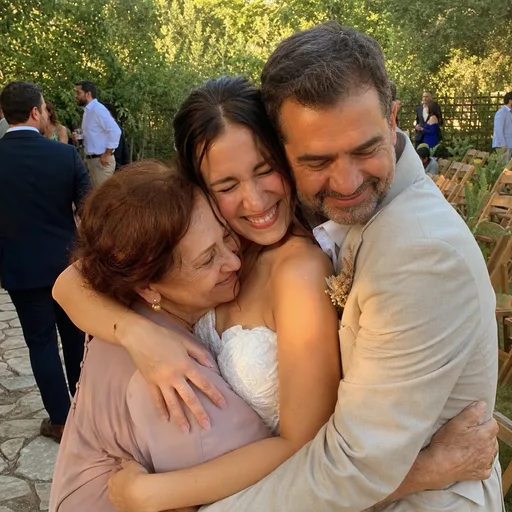
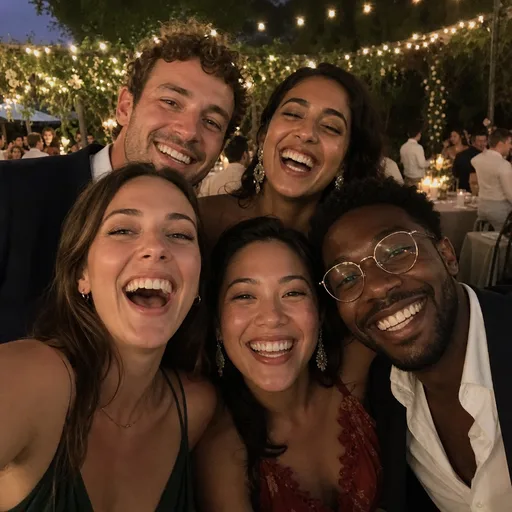
One QR code collects their photos, videos, voice notes, and messages. Guests upload from the phone browser with no app and no account, and you get every original back at full resolution.
Have a date already? Buy an Event Pass for $29, no account needed
On your guests' phones
Scan the code. Pick photos. Tap upload.
Scan the code and choose photos, with no app to install or account to create. These example screens show the steps. The host decides whether guests can browse or download the collection.
The Reception
Scan to share your photos — no app needed
Point your camera at the code on your table
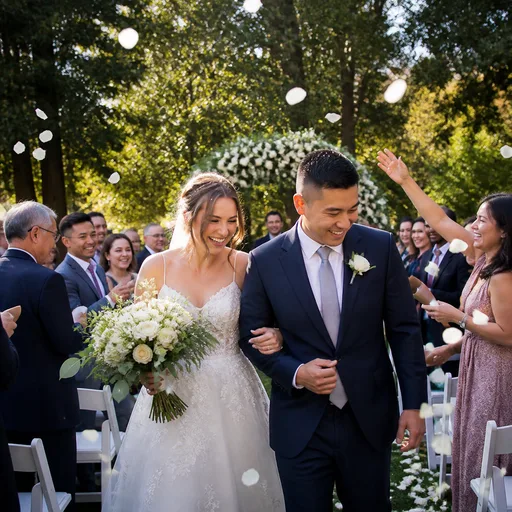

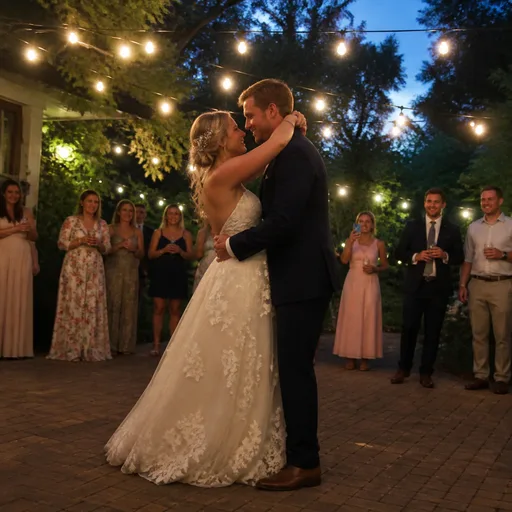
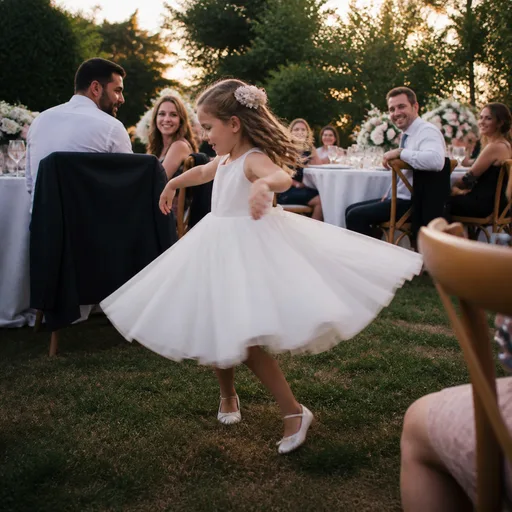
1. Guests scan the code on the table
Want to feel it yourself? Try the live demo — it's the real thing, and the Event Pass is $29 one-time.
What you get
Guest photos, voice notes, and a private live broadcast — from the same QR code.
Photos are only part of the day. One Event Pass covers the photos and videos, the voice and video guestbook, the slideshow on the venue screen, and a private broadcast with sound for the people watching from home, all from the one code already on the tables.
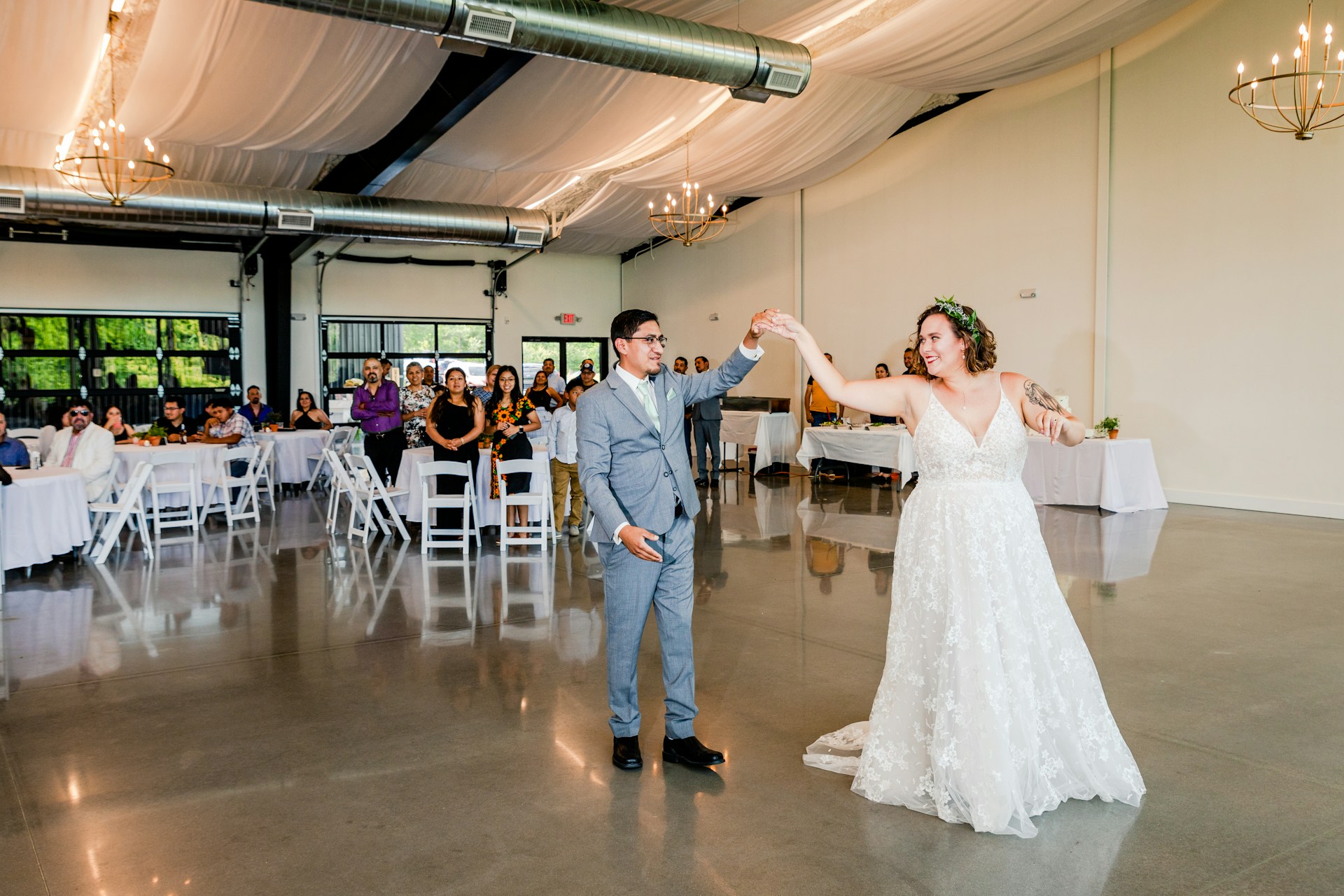





Same Day Slideshow
On the venue screen within seconds of upload.
Guests scan your QR code, upload photos and videos from their phone, and see selected moments appear in a live gallery and slideshow — all during the event.
Aunt Rosa
Voice message
May your love grow deeper every single day…
Digital Guestbook
Voice notes, video toasts, and written notes, kept with the photos.
Guests leave voice messages, video toasts, and written notes from the same QR code. Keep their words alongside your photos and download the originals after the event.
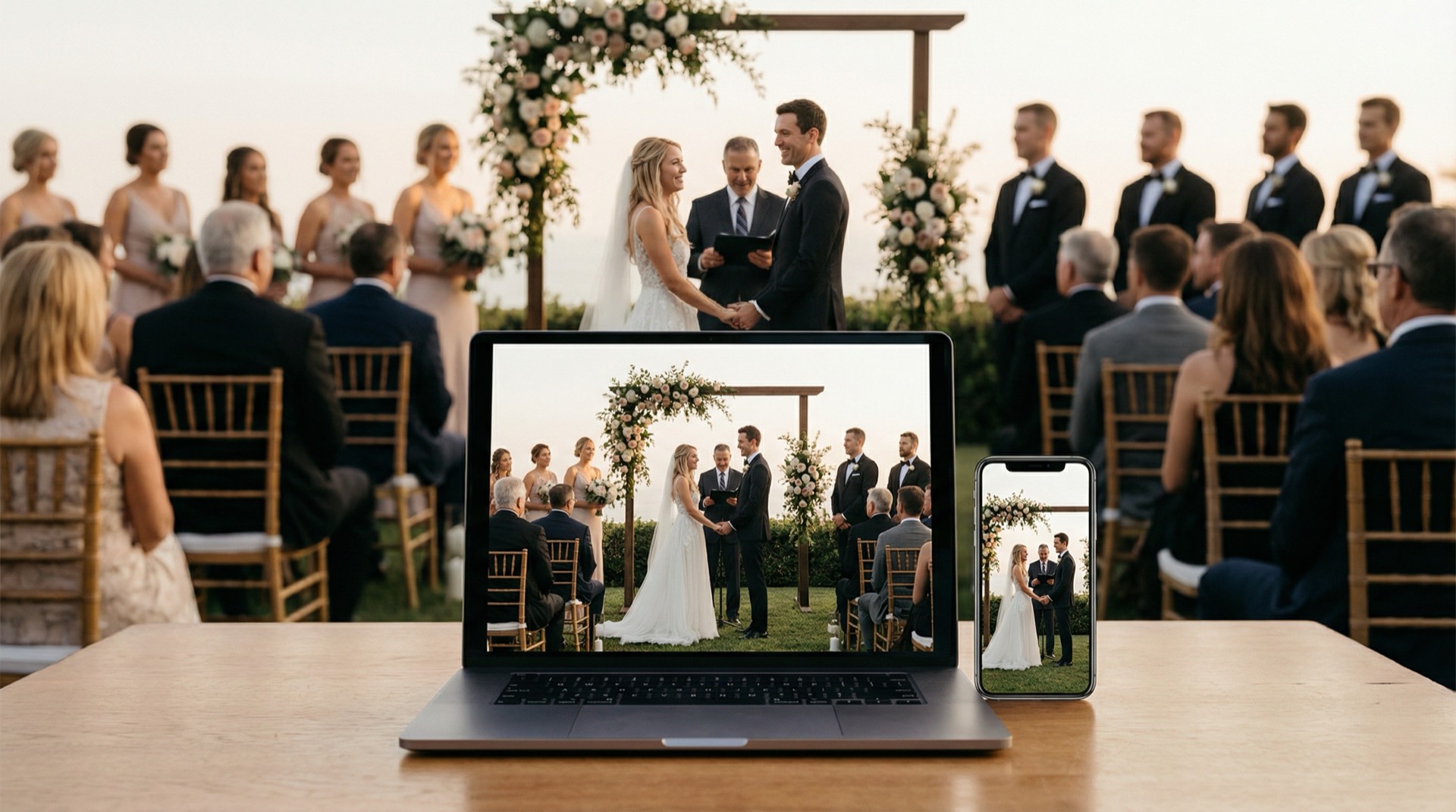
Live Broadcast
Include the people who can't be there.
Share one private link and stream your event live to guests anywhere in the world. Included with the Event Pass, with sound. The broadcast is recorded; keep the recording afterwards for $29.
Try uploading as a guest.
Scan this with your phone the way a guest at your event would. Choose a sample photo and upload it from your browser, then open the demo gallery to see it land. Photos pass a quick AI check first; videos wait for a person.
- Scan the code with your phone camera — it opens straight in the browser.
- Upload a sample photo. Look for the upload confirmation so you know it reached the host.
Use a sample you are comfortable sharing with Picsui. Please keep personal or sensitive photos out of the demo.
M2FDV8LW
This is the same kind of code your guests scan at your event.
Use cases
Weddings first. Parties, conferences, and client galleries too.
Weddings
One code on the tables collects getting-ready, the ceremony, and the dance floor from every guest's phone.

Corporate
Conferences, launches, and team events: a live photo wall on the screen and a private broadcast for the people who could not travel.
Celebrations
Birthdays, anniversaries, and galas: the host stays in the room while guests fill the gallery, then downloads the originals.

Photographers
Add a branded guest gallery to the package and hand clients the guest photos the same day as the event.
From couples who used Picsui
We printed the QR code on the little cards by the escort board and honestly forgot about it. Two days later there were 400-something photos in there, including a whole series of my dad trying to fold a napkin into a swan. Our photographer's shots are beautiful. These are the ones we actually send to people.
Brian & Arlynn
wedding
Family of the founder; used the early app for free.
Our guests are not technical. My mother-in-law uploaded eleven photos. That's the review.
Denise & David
wedding
Family of the founder; used the early app for free.
Half an hour before the ceremony my phone wouldn't upload anything, and I was the one who was supposed to be testing it. I emailed the support address expecting nothing. Mauricio, the guy who runs Picsui, answered from what I assume was his own phone, walked me through it, and it was working before I'd finished my coffee. I've paid a lot more for a lot less than that.
Nikki & Felix
wedding
Family of the founder; used the early app for free.
We put the slideshow on the TV over the bar. I didn't think much of it until I looked up during the speeches and saw a photo of Tina's nonna, taken maybe ninety seconds earlier, up on the screen, and the whole table turned around to find who'd taken it. That happened all night. People started taking photos for the screen.
Vincenzo & Tina
wedding
Family of the founder; used the early app for free.
Pricing
Start free. Pay once for the event that matters.
No subscription for hosts. No monthly fee for professionals.
Choose what your event needs
Free Preview
$0
Prove the whole guest experience before you pay.
Event Pass
$29
one-time
Capture every guest memory from one event.
Run events professionally
Photographer Pro
$39/month
or $349/year — 3 months free
Everything, every event, one monthly price.
Partner
$19/event
or five Event credits for $79
For photographers, DJs, planners, and venues.
Corporate
From $299
per event
A supported, branded pilot for organisations.
30-day unused-event money-back guarantee
Compare every limit on the pricing page →Frequently Asked Questions
How do guests upload photos with a QR code?
Guests scan the event QR code with their phone camera. It opens a browser page where they can upload photos and videos straight from the browser — no app download, no account creation. Uploads appear in your gallery in real time.
Can I try Picsui before paying?
Yes, for a small one. Free Preview gives you your own QR code, guest uploads, and a live gallery, with no card required. Uploads and full-resolution downloads are capped and the gallery is watermarked, so most people try it on a shower or a rehearsal dinner before paying for the main event. Every paid purchase also has a 30-day unused-event money-back guarantee.
I'm a couple — what should I buy?
Use Free Preview to test the complete flow, then buy the $29 Event Pass for the wedding itself. It includes the private live broadcast for remote guests. One purchase, no renewal.
Can Picsui livestream weddings privately?
Yes. Every Event Pass includes a private live broadcast: stream the ceremony or reception to remote guests on one private link, up to 90 minutes for 100 viewers. Viewers watch in their browser — no app, no sign-up. The broadcast is recorded; keep the recording afterwards for $29.
See every question on the FAQ page · Contact our support team
See it work with your own phone before you pay.
Every guest photo, voice note, and message for one wedding — $29 once. Start on Free Preview and see it work first, using your own phone and a few test photos.